







Remove glare
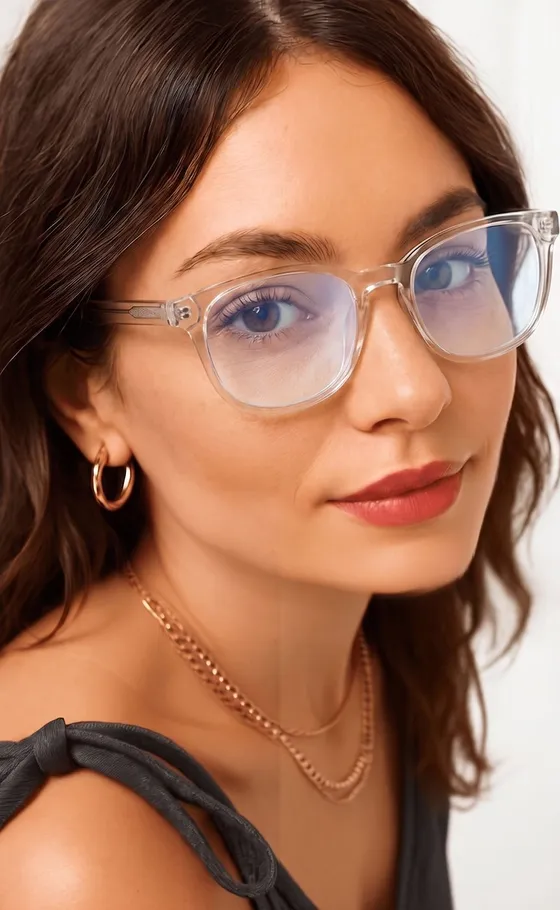
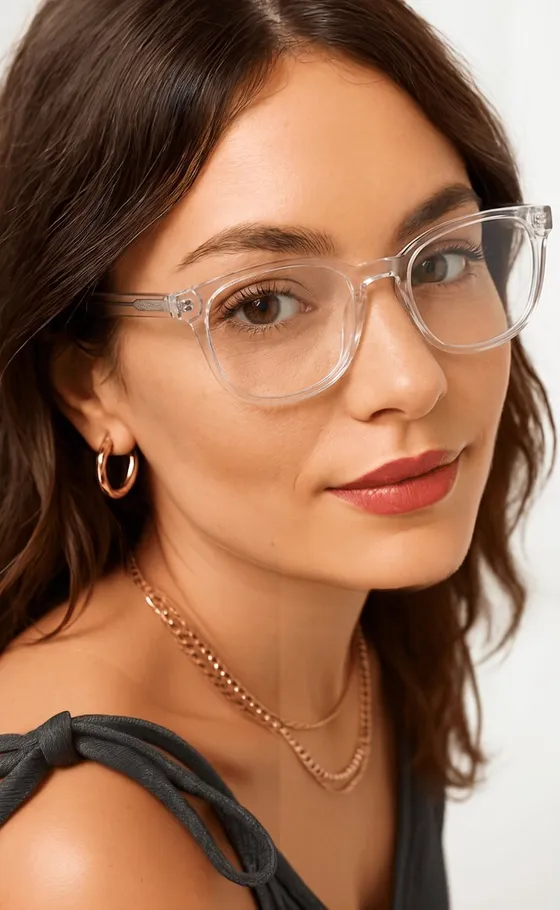
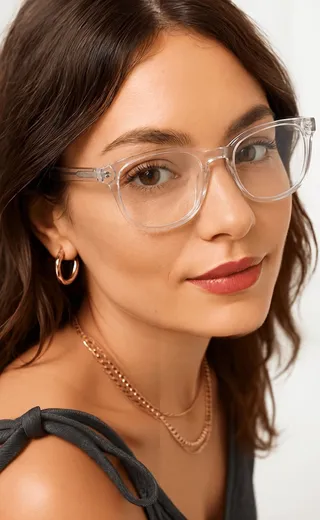
For everyday glasses. The white flare on the lenses goes away, the frames stay, and your eyes show through.
Pick a photo where your lenses caught the light and Glarefy clears it, with your frames still on. It can also take the reflections off sunglasses or remove the glasses altogether.
Three modes · Works on photos you already have
Glarefy edits photos with AI. Passport and ID offices often reject edited photos.
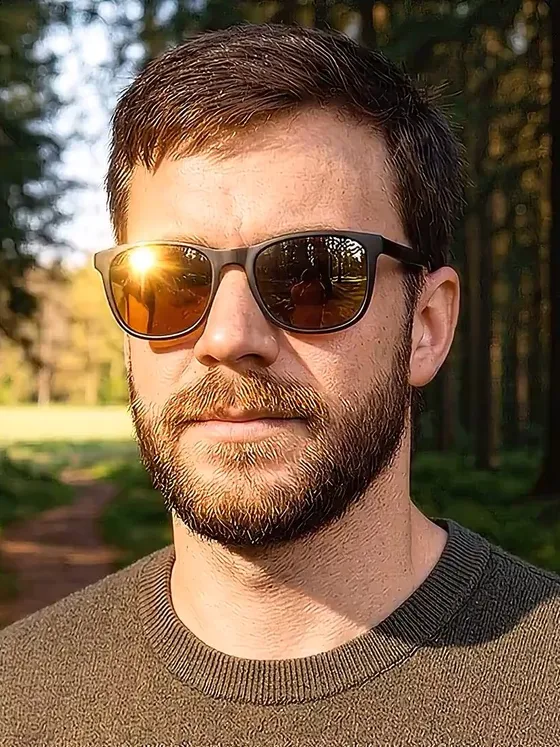
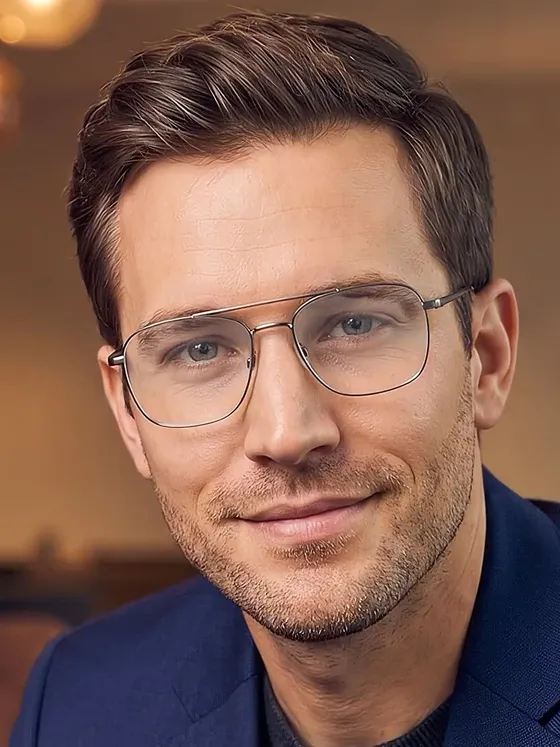
Real before and after results made in the app. Pick the mode that matches the eyewear in your photo.
For everyday glasses. The white flare on the lenses goes away, the frames stay, and your eyes show through.


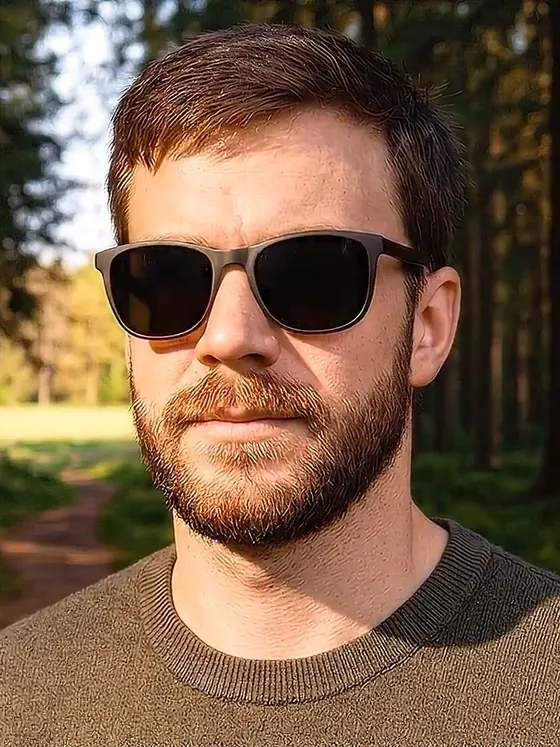
For sunglasses. The mirrored sky, windows or photographer come off the lenses, and the tint stays.


Takes the frames off entirely and fills in the eyes and skin they covered. For the shot where you wish you had taken them off.
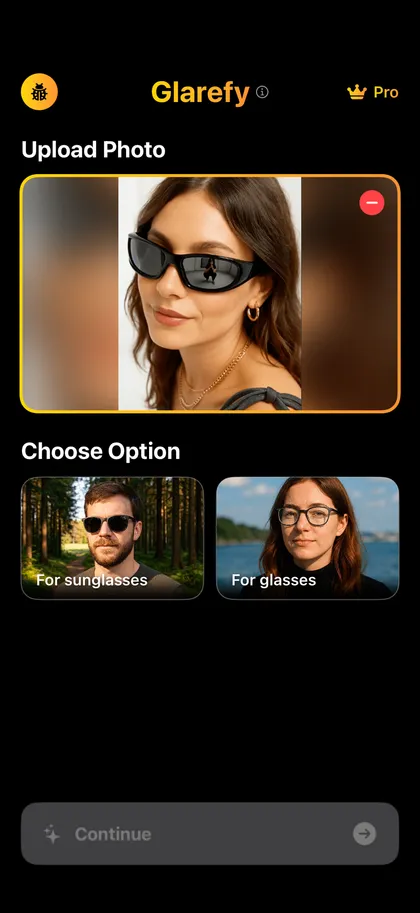
1. Pick a photo
Any photo where the glasses caught the light. Selfies and portraits work best.
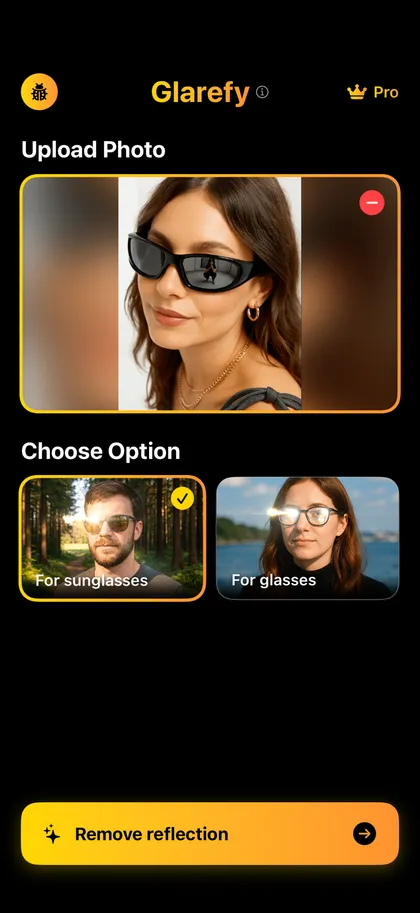
2. Choose a mode
For glasses, for sunglasses, or remove the glasses entirely.
3. Compare and save
Drag between before and after, then save it to Photos or send it to whoever took the picture.
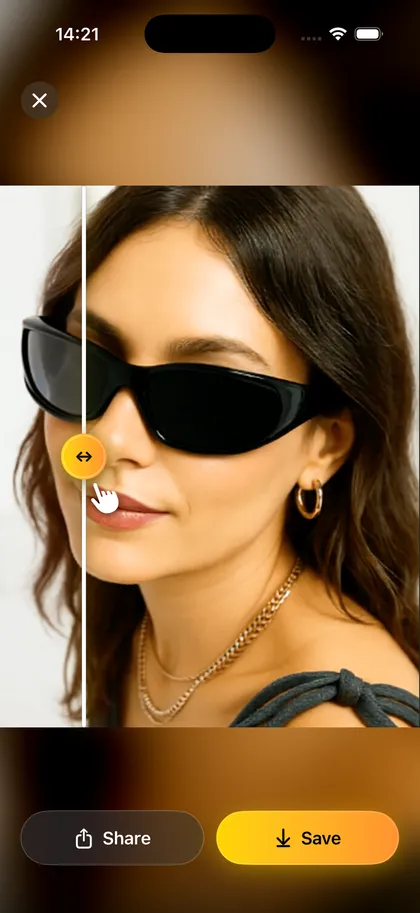
Your face and the background stay as they were. Only the lenses change.
The wedding, the graduation, last summer’s trip. If the glare is already in the picture, Glarefy can still take it out.
Photos go to the AI only to make your result. Results stay on your phone, in the app’s history.
Save it to Photos, or send the clean version to the group chat before anyone posts the other one.
No. Remove glare and Remove reflection edit only the lenses, so your face and the background stay the same. Remove glasses is the one mode that changes more: the AI fills in the eyes and skin the frames covered.
Yes. Choose For sunglasses and Glarefy removes the reflections while keeping the tint, so they still look like your sunglasses.
A clear photo where the face fills a good part of the frame. Selfies and portraits give the cleanest results.
Your photo goes to our AI providers only to create the result, and they discard it afterwards. Your originals and results stay on your phone, in the app’s history, until you delete them.
Check the rules first. Many passport and ID offices reject edited photos, so keep an unedited photo for official documents and use Glarefy for the ones you share.
Download Glarefy and try it on your own photo.